You installed a driver monitoring camera to catch fatigue, and now drivers complain it beeps when they feel fine. False fatigue alerts are one of the most common frustrations for fleets running camera-based systems. This article explains why they happen, how to cut them, and when to add a second, camera-free layer.
Key takeaways
- A driver monitoring camera infers fatigue from the face: eyelids, blinks, head position. Anything that changes how the face looks can trigger a false alert.
- The usual causes are light, eyewear, camera setup, individual faces and everyday behaviour, not faulty hardware.
- Most false alerts can be cut with installation checks, calibration and smarter alert rules.
- Cameras only see fatigue once it is visible. A camera-free physiological layer can warn earlier and confirm what the camera sees.
How a camera decides a driver is tired
A camera can’t measure fatigue directly. It infers it from what the face looks like, step by step, and each step has its own weak spot:
💡 Key insight: A camera measures how tired a driver looks. Most misfires happen where looking tired and being tired come apart.
Six common causes of false fatigue alerts
Why false alerts are a safety problem, not just an annoyance
Every unnecessary alert erodes trust a little more. Left unchecked, it turns into a cycle:
📘 Read more: what driver monitoring systems detect and how camera-based and camera-free systems differ in Driver Monitoring Systems: Camera-Based vs Camera-Free.
Diagnose your misfires
Your alert log usually tells you where the problem is. Match the pattern to the cause:
| What you see | Likely cause | What to do | Effort |
|---|---|---|---|
| Alerts cluster at sunrise or sunset | Glare and low sun | Check IR and exposure settings; test with visor down | Low |
| One driver triggers far more alerts | Eyewear or individual face | Recalibrate for that driver; review eyewear | Low |
| One vehicle triggers far more alerts | Camera angle or loose mount | Re-mount and re-aim; check after repairs | Low |
| “Yawn” events during conversation | Behaviour misread | Raise minimum event duration | Medium |
| Steady stream of borderline events | Generic thresholds | Tune thresholds with the vendor on your footage | Medium |
| Alerts arrive only when the driver is already struggling | Camera sees late-stage signs only | Add an earlier, physiological signal | New layer |
How to cut false alerts in five steps
The limit tuning can’t fix: timing
Even a perfectly tuned camera only reacts once fatigue shows on the face. By then the driver is already impaired. And tighter thresholds that try to catch it earlier bring the false alerts back.
When a camera-free layer complements your cameras
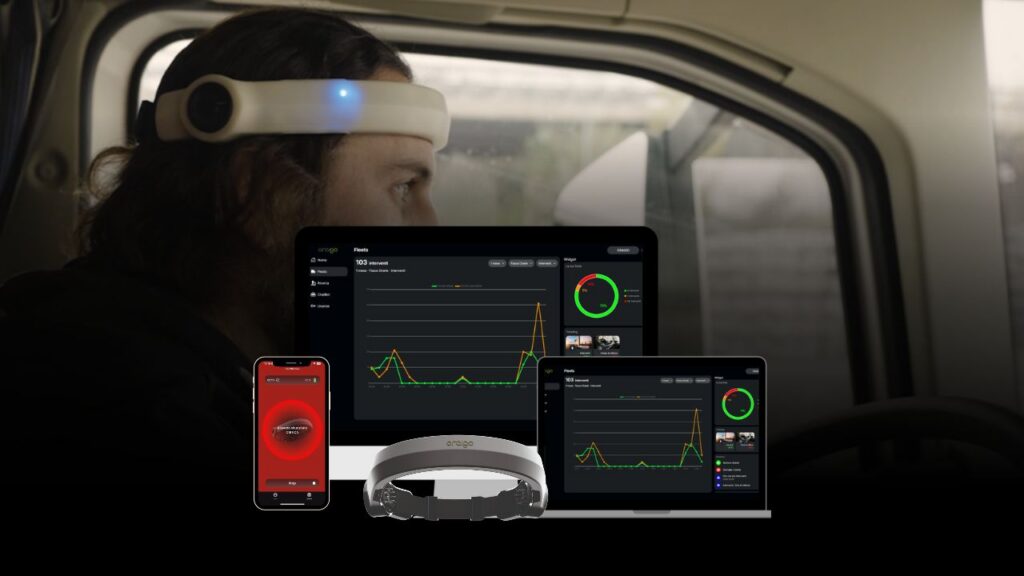
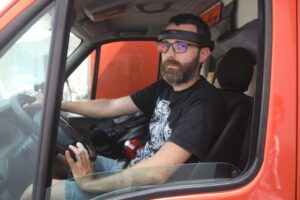
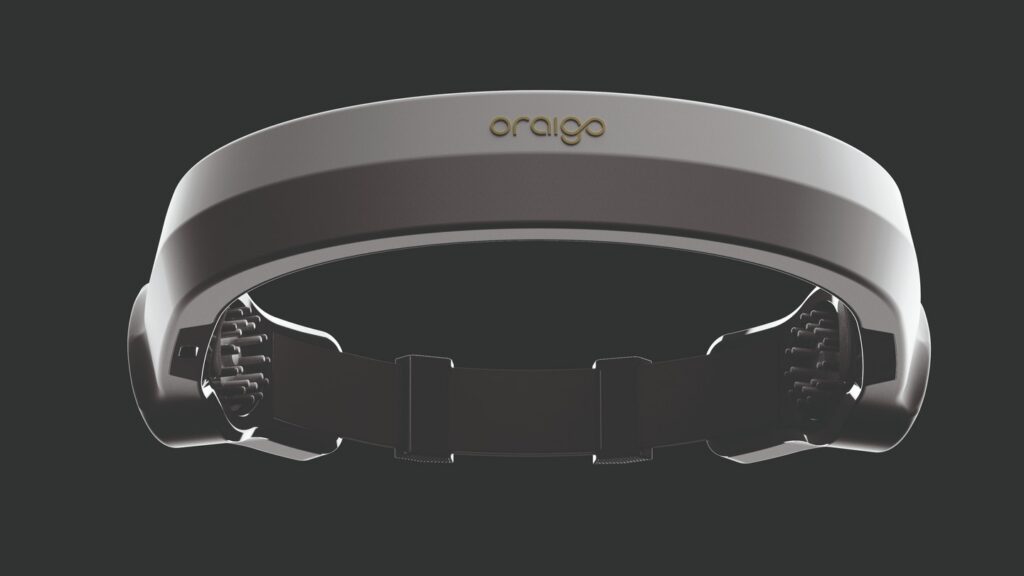
You don’t have to replace your cameras. A physiological layer, such as an EEG headband, reads alertness directly from brain activity. It adds the early warning cameras can’t give, and a second signal to check camera alerts against:
- Phone use and eyes off the road
- Smoking, eating, seatbelt
- Visible late-stage drowsiness
- Video evidence where policy allows
- Warnings before visible symptoms
- A second signal to confirm or dismiss camera alerts
- Works with sunglasses, at night and in glare
- No video of drivers, anonymous data
📘 Read more: a scored comparison of EEG, cameras and vehicle signals in Driver Drowsiness Detection: How EEG and Cameras Compare.
Fewer misfires, earlier warnings
Oraigo’s EEG-based fatigue detection works alongside existing camera systems, with no video and anonymous data. Test it on the routes where your camera alerts misfire most. Start a free pilot or talk to one of our specialists.